Maybank x Shell Recharge Programme
Promotions / Maybank x Shell Recharge Programme


Maybank Exclusive
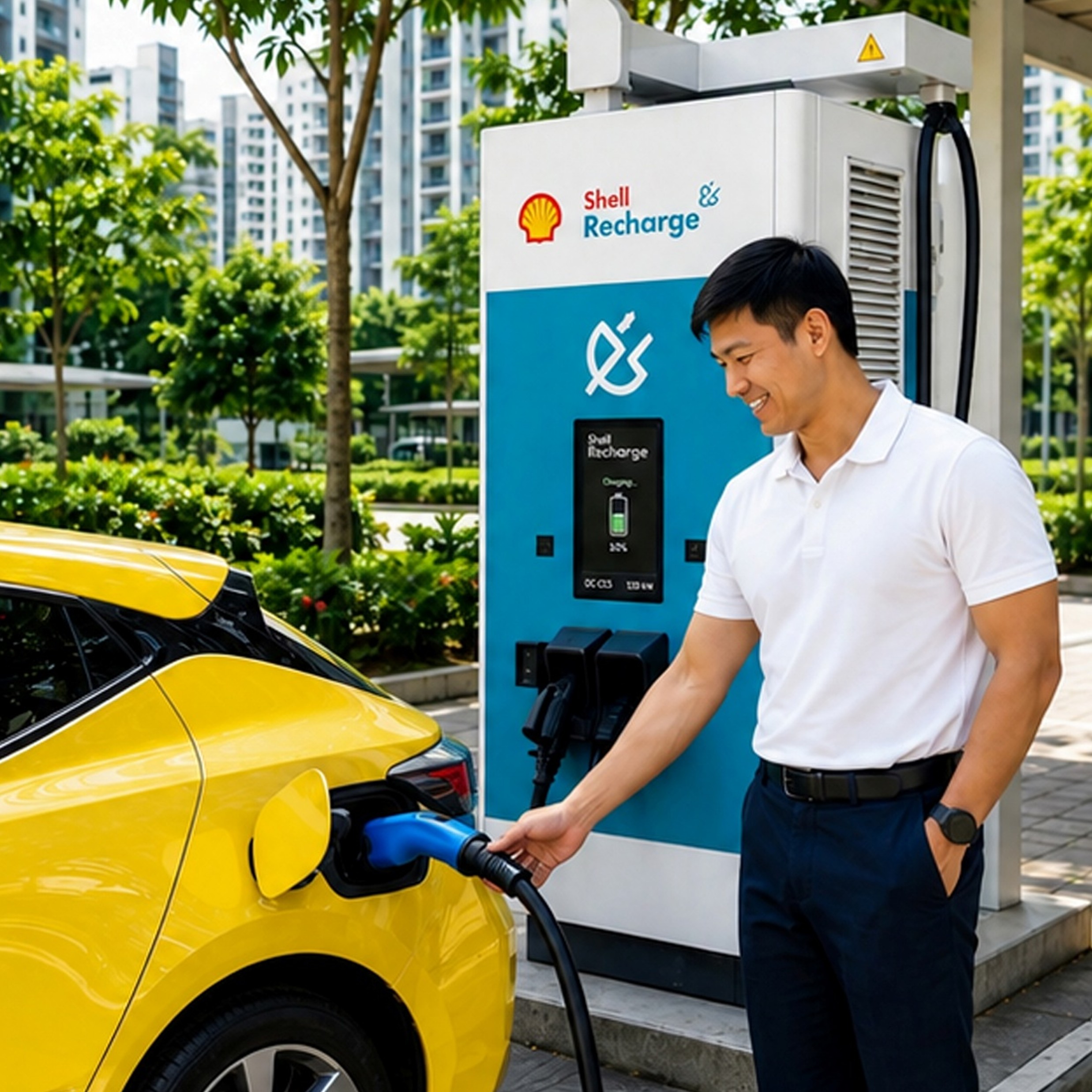
Enjoy up to 17.2% off your charging sessions with Shell Recharge, when you pay with your Maybank Card!
17.2% discount includes:
- Upfront 10% discount at Shell Recharge.
- Maximum 8% cashback from Family and Friends Card, subject to the Maybank Cardmember fulfilling the applicable requirements under the promotions/programmes in connection with the Cards.
How to Sign up?
- Step 1:
- Download Maybank TREATS SG app, and login with your Maybank Online Banking Username and Password.
- Click below to download your Maybank TREATS SG app.


- Step 2:
- Go to "PRIVILEGES", click "PROMOTIONS" and look for "Maybank x Shell Recharge Programme".
- Step 3:
- Tap "SAVE TO MY COUPONS" to pre-enrol into the programme.
- Upon saving the eCoupon you consent that your name and email address registered with the Bank will be shared with Shell Recharge for the purpose of pre-enrolling you into the Maybank x Shell Recharge programme to enjoy the discount.
- Once the Registration eCoupon is added to your wallet, your pre-enrolment is successful.
What's Next?
- Maybank will submit your name and email and any information/data relating to you & your Card account to the Shell Recharge as reasonably consider necessary or expedient for the purposes of this Promotion, within 7 working days of saving the eCoupon.
- You will receive an invitation email from Shell Recharge with a unique code.
- Refer to the steps within the email invitation to complete your sign-up and activate your discount. For step by step instructions, click here.
- Unique codes provided via the email are valid for 14 days from date of issue and will expire after.
- Discount will be valid for 1 year from date of activation.
How to update your email with the bank?
Maybank will not be liable in the event of any incorrect or missing email address recorded with the bank.
If you do not have any email address listed or would like to change the email address listed with the bank, follow the steps below to update it:
| Via Maybank2U app | Via Maybank2u Online Banking |
|
|
Terms & Conditions